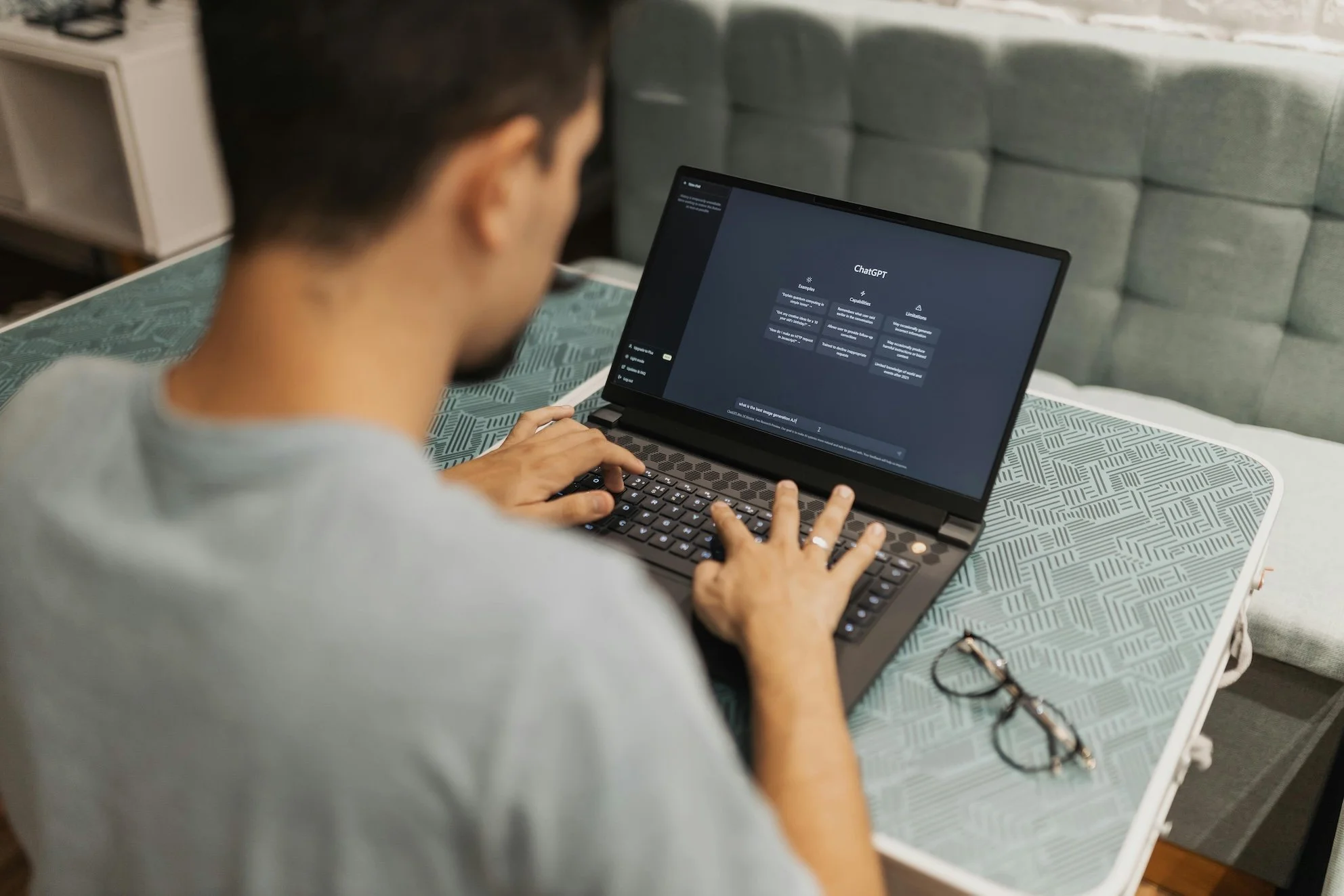
Pexels: Matheus Bertelli
Starting my first remote job was exciting! …and honestly, a little terrifying. Especially before I started using ChatGPT for remote work. With no office, no desk, and no one to casually ask “Hey, is this how you usually do this?” I remember opening my laptop on day one and thinking: ‘Where do I even start? How do I know I’m being productive when no one can see me working? ‘
Remote work looks great on paper, but it comes with communication challenges, misread messages, and slow back-and-forth. What I really needed was clarity; better structure for communication and a way to solve problems independently without constantly bugging my boss. That’s where ChatGPT became a practical productivity tool in my remote job, helping me write clearer emails, create templates and spreadsheets, prepare for meetings, and stay organised. It’s not about cutting corners, it’s about working smarter, communicating better, and managing remote work with confidence.
Jump to;
1. Turning Uncertainty Into Structure With Templates
One of the hardest parts of being in a remote job was not knowing what “good” looked like. In my role that was mainly expected to be autonomous, I struggled to find what I can do day to day in a job that requires a lot of forward thinking.
This is where ChatGPT helped me the most.
I used it to create templates for tracking information in my job, things like task trackers, Information tracking templates, handover documents, and simple reporting spreadsheets.
The great thing about ChatGPT is you can tailor templates to YOUR specific job. Say you’re in sales and need a template for a Powerpoint presentation, or to track your KPI’s, ChatGPT will create a downloadable asset for you (excel spreadsheet, or powerpoint) that you then can tweak.
These weren’t perfect, polished systems, but they were an excellent starting point.
What I used ChatGPT for:
Creating trackers specific for my job.
Templates for weekly reports.
Templates for recurring tasks.
Simple frameworks I could adapt to my role.
That first version didn’t have to be perfect, it just had to exist. This has been game-changer in my role and is how I use ChatGPT as an assistant rather than a replacement (you still need to use your knowledge!).
2. Re-Word Emails So I Sounded Clear (and Calm)
I don’t know about you, but for me, a few times I have been caught up in the heat of the moment and sent a few emails I regret. I have often come across as short and to the point, rather than understanding that there is a person on the other side of the email chain.
I think we’ve all been there! aaaaand this is where ChatGPT steps in!
I started using ChatGPT to re-word emails and messages before sending them. Not because I didn’t know what I wanted to say, but because I wanted to say it clearly, confidently, and most importantly, calmly! ChatGPT became my witness, to read over my emails and re-word them to get my point across.
Sometimes I’d ask it to:
Make my message more concise.
Remove unnecessary over-explaining.
Adjust the tone to sound more professional or more relaxed.
It helped me communicate better without overthinking every sentence, which was a huge relief early on.
3. Figuring Things Out Without Feeling Stuck
In an office, so much learning happens without you even realising it. You overhear conversations, pick things up by watching how others work, or ask quick questions in passing. Working remotely, doesn’t present those same open opportunities, and the learning curve can feel A LOT steeper.
Early on, I found myself hesitating more than I wanted to. I didn’t want to ask too many questions or interrupt my manager for things I felt I should already know. That’s where ChatGPT became incredibly helpful. It gave me a space to ask the “small,” “obvious,” or half-formed questions without feeling awkward or self-conscious.
I used it to;
Understand new processes.
Break down my day to day role description and tasks I should focus on.
Break down new tasks I’d never done before.
Sense-check my approach before starting.
Break down specific industry related terminology.
ChatGPT helped me de-alienate a lot of these processes in a clear and concise way (without seemingly asking a silly question to a co-worker). Sometimes it wasn’t about getting the perfect answer, it was just about confirming that I was heading in the right direction.
Having that support meant I could keep moving instead of sitting still, waiting for clarification or second-guessing myself. Over time, that momentum built confidence, which made it easier to ask better questions and take more ownership of my work.
4. Preparing Before Meetings (So I Felt More Confident)
Early on, I worried about how I came across in meetings. Was I prepared enough? Was I missing something obvious? How should I approach meetings?
Before calls, I’d use ChatGPT to organise my thoughts, what I wanted to say, what questions might come up, and how to explain my work clearly. My job also requires taking down notes in meetings, so ChatGPT helped me put some processes in place to confidently record information that I could return to.
After meetings, I’d also use it to help summarise notes into action items so nothing slipped through the cracks.
That extra preparation made a huge difference to my confidence, especially as someone new to both the role and remote work.
5. Feeling Less Alone in My First Remote Role
This might sound silly, but one of the biggest challenges of my first remote job was the quiet. After only working in person office jobs, and used to the bustling and loud environment of an office, I wasn’t used to the stark change of remote work. No background chatter. No visual cues. Just you and your screen.
I do want to re-iterate, ChatGPT didn’t (and wont’) replace human connection, but it did help fill the gap when I needed to think something through, get unstuck, or needed an assistant. It gave me momentum on days when I felt unsure, overwhelmed, or behind in my work.
Over time, that momentum built confidence, which I think made me better in my role.
Final Thoughts
AI is still really taboo, and a lot of people are still scared it will replace jobs. I think an important thing to remember is that AI is best used as an assistant, not a replacement. ChatGPT still ‘hallucinates’ 67% of the time, so it is safe to say, you do still need to know your stuff! ChatGPT didn’t magically make me good at my remote job.
What it did was help me with is:
Creating structure when I didn’t know where to start.
Communicating more clearly.
Creating templates as a base.
Learning faster without feeling embarrassed.
Building confidence in a role that required a lot of self-direction.
If this is your first remote job too, and you’re wondering how to keep up, stay organised, or even prove your value; know that feeling lost at the start is completely normal.
Having the right support tools makes all the difference. For me, ChatGPT became one of them.
Let me know your thoughts below. Would you use ChatGPT in your remote role?